Switching from GoLogin?
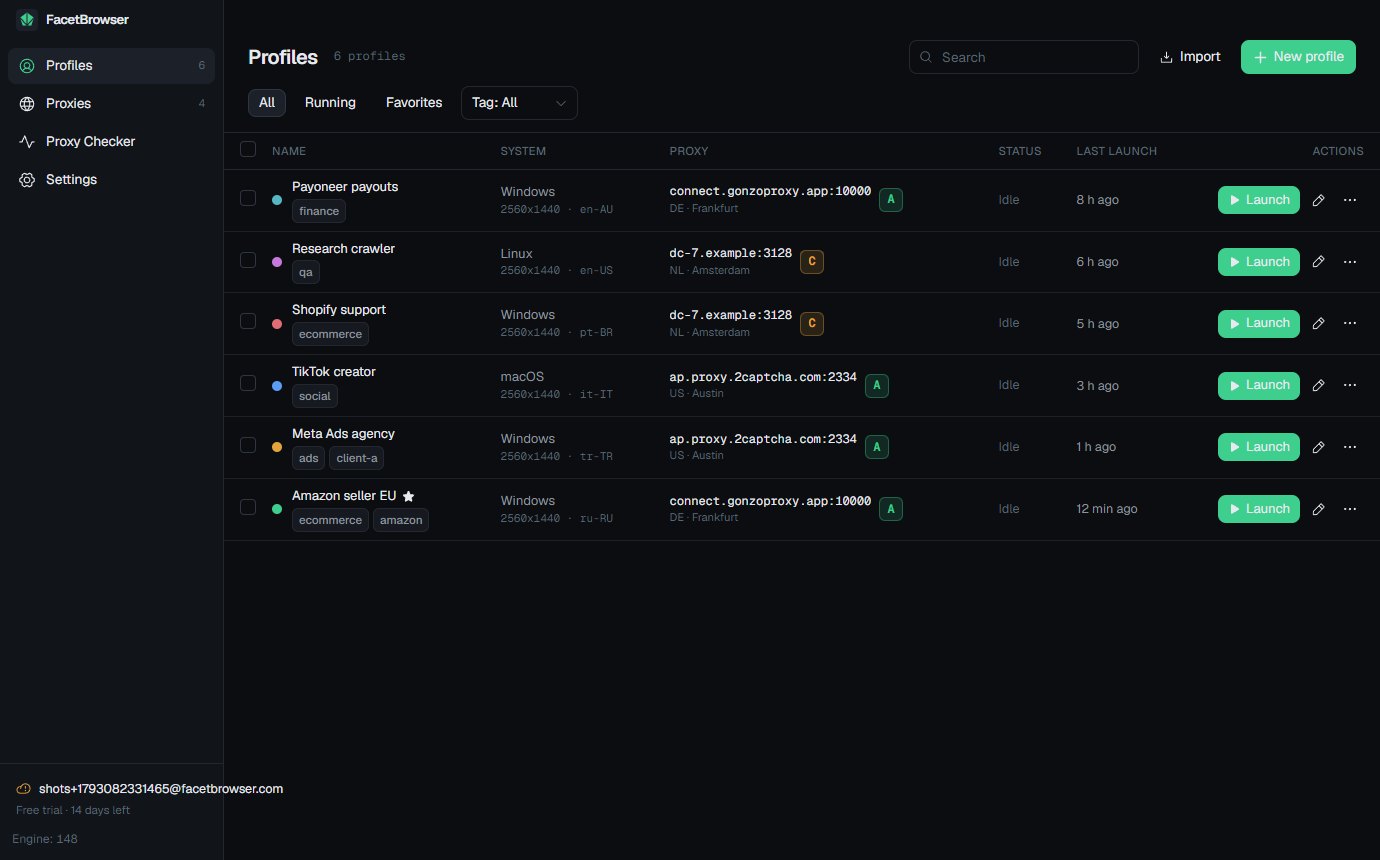
Keep your accounts, drop the subscription. FacetBrowser is a one-time $49 or $149 license with its own fingerprint engine, cloud sync and a real proxy checker built in.
Stay on GoLogin if
- You need a mobile app (Android or iOS) or a cloud browser in the browser.
- Your workflow depends on their team workspaces and per-person access levels today.
- You rely on the bundled 2 GB of residential traffic in the Pro plans.
Switch to FacetBrowser if
- You want to stop paying every month for the same profiles.
- You care about proxy quality as much as the fingerprint.
- You run from more than one machine and want sessions to follow you.
- You prefer an engine and app whose source you can read.
What it costs over time
GoLogin list prices from its pricing page, checked on October 14, 2026. FacetBrowser prices are one-time; year two and later cost nothing.
| GoLogin plan | Profiles | Monthly | Per month, billed yearly |
|---|---|---|---|
| Professional 10 | 10 | $9 | $4.50 |
| Professional 25 | 25 | $19 | $9.50 |
| Professional 100 | 100 | $39 | $19.50 |
| Business 300 | 300 | $99 | $49.50 |
| Enterprise 1,000 | 1,000 | $179 | $89.50 |
Feature by feature
Competitor cells reflect their public product pages on October 14, 2026. Tell us if something changed and we will update it.
| GoLogin | FacetBrowser | |
|---|---|---|
| Pricing | ||
| Model | Subscription, monthly or yearly | One-time license: $49 for 15 profiles, $149 unlimited |
| Free trial | 7 days, no card | 14 days, no card, no code |
| Free plan | 3 profiles forever | None; 14-day trial with 15 profiles |
| Seat limits | Per plan | None |
| Payment | Card, some crypto | Crypto through OxaPay |
| Browser | ||
| Engine | Orbita (own Chromium fork) | FacetBrowser Engine: Chromium with the fingerprint compiled in (C++), open-source base, updated from the app |
| Platforms | Windows, macOS, Linux, Android, iOS, cloud browser | Windows 10 / 11 (macOS and Linux builds planned); profiles can emulate macOS and Linux |
| Fingerprint applied at | Engine level | Engine level (C++), seed-based, no runtime script patches |
| Canvas, WebGL, audio, fonts | ||
| Timezone and language from proxy | ||
| WebRTC leak protection | ||
| Open-source desktop app | ||
| Proxies | ||
| HTTP / HTTPS / SOCKS5 with auth | ||
| Quality grade with reasons | ||
| Latency, jitter and bandwidth test | ||
| Anonymity and abuse history check | ||
| Bulk checker with CSV export | ||
| Own provider accounts via API (GonzoProxy, 2Captcha) | ||
| Profiles and sync | ||
| Cloud sync | Included, profiles stored in their cloud | Included: profiles, proxies, cookie jars, unlimited devices |
| Cookie import (JSON, Netscape) | ||
| Clone with fresh identity | ||
| Bulk launch / stop / export | ||
| Team sharing and roles | Shared account; roles planned | |
About the engines
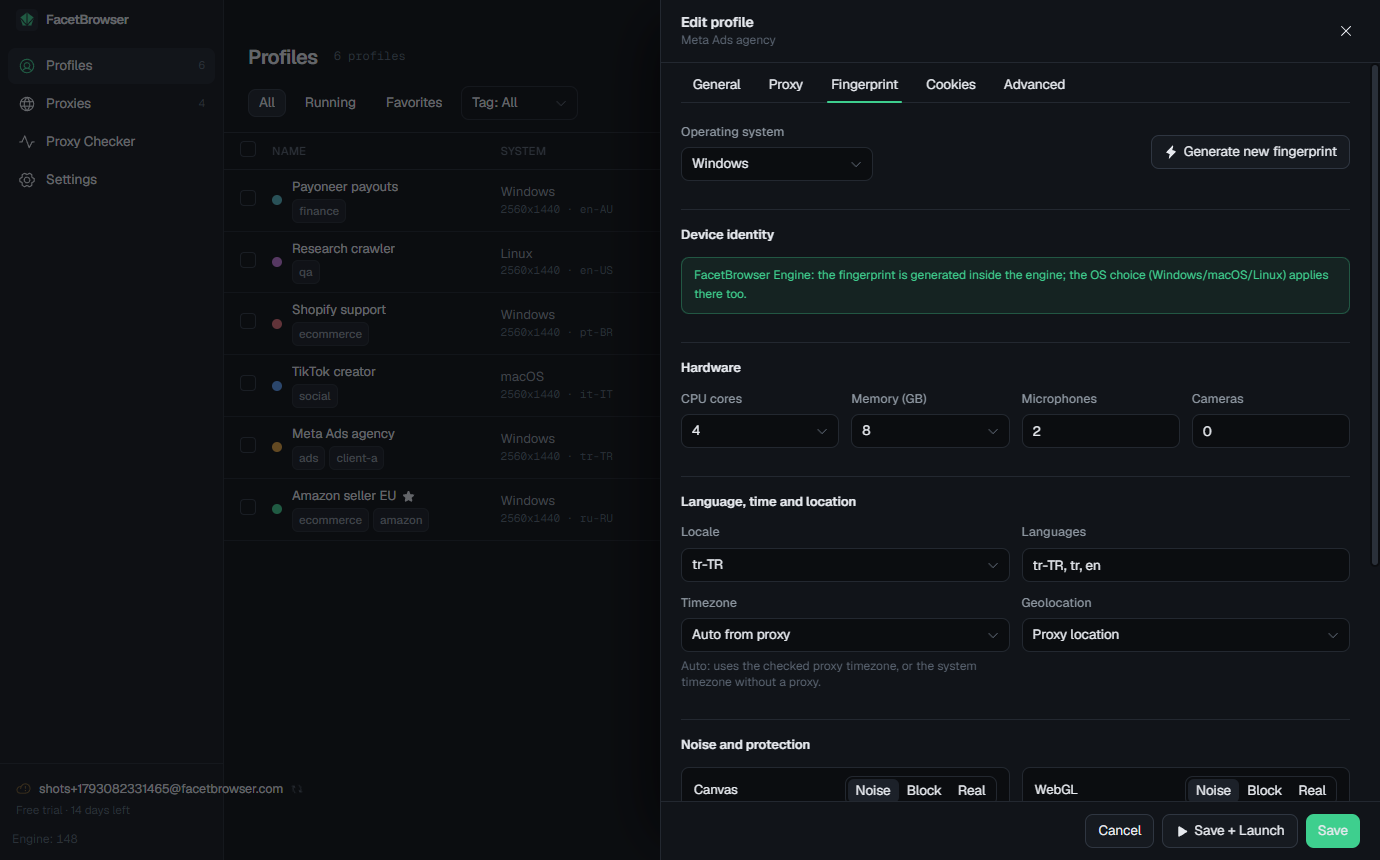
GoLogin runs profiles on Orbita (own Chromium fork). FacetBrowser runs them on its own Chromium build where canvas, WebGL, audio, fonts, GPU, CPU and user agent are derived from the profile seed inside the browser. There are no patched JavaScript functions for a site to find, and the engine updates from the app in one click.
The engine is based on the open-source fingerprint-chromium project (BSD license), so the behaviour is inspectable rather than a black box.
What GoLogin reviewers bring up
Recurring themes in public reviews on Trustpilot (3.8 / 5, 380 reviews), read on October 14, 2026. Experiences vary; read them yourself before deciding.
- Refund requests turned down under a 14-day rule, with crypto payments treated as non-refundable.
- Support answers that read like templates and put the blame on the user.
- Bundled proxy traffic runs out quickly and the follow-up is a push to buy more.
- Slow Orbita start-up and sessions that did not save in some versions.
How FacetBrowser answers
- Pay once. No renewal, no tier to outgrow, no seat count.
- Try everything for 14 days with 15 profiles before paying anything.
- Bring your own proxy accounts and see each proxy graded before you trust it with an account.
- An engine whose base is open source and updates in one click.
- Open-source desktop app; you can read exactly what it does.
Move your accounts in minutes
Cookies carry the logins. Fingerprints are regenerated fresh for each profile, which is what you want anyway.
- 1
Open each GoLogin profile and export its cookies with a Cookie-Editor style extension (JSON).
- 2
In FacetBrowser create a profile, pick the same OS, and paste the cookies on the Cookies tab.
- 3
Attach the proxy you used for that account; run a quality check to confirm the exit IP.
- 4
Launch. Logged-in sessions carry over through the cookies; sign in again only where a site uses device-bound tokens.
What carries over
- Logged-in sessions, through cookies
- Your proxies, pasted or pulled from a provider
- Tags and grouping, recreated in a minute
- Nothing from the old fingerprint, by design
Tip
Keep GoLogin running until every account has been opened once in FacetBrowser. Sites that bind sessions to device tokens may ask you to sign in again; do it inside the new profile so the cookie jar is complete.
Questions about switching
Try it next to GoLogin
Run both for two weeks. Keep whichever one your accounts prefer.